Here’s dozens of ready-to-copy TikTok caption ideas, sorted by style, plus the quick rules that tell you which format fits your video. Scroll to the dreamcore section for niche-specific lines and mood-preserving tips, or jump straight to the category that matches whatever you just filmed.
TL;DR:
- Animated captions are used in over 78% of short-form videos, with motion-based text increasing engagement and visual rhythm.
- Hook-first captions should attract attention immediately, ideally with a compelling first line or question, to boost retention.
- For trend content, short captions under 50 characters work best, while story and tutorial videos benefit from longer, more detailed text up to 500 characters.
- Use three to five niche-specific hashtags and place CTAs at the end of the caption to enhance visibility and engagement.
- Dreamcore and liminal videos benefit from minimal, poetic text with slow, soft animation that maintains the surreal mood.
Table of Contents
- Which Caption Style Fits Your Video?
- Copy-and-Paste Caption Ideas by Category
- What Actually Makes a TikTok Caption Work
- Getting Better Captions Out of AI Tools
- Dreamcore Captions Without Breaking the Mood
- An Editor’s Note on Testing What Actually Works
- Templates That Come With the Captions Already Built In
- Sources
Which Caption Style Fits Your Video?
Every clip has a job to do. Match the caption to that job and the algorithm works with you instead of against you.
- Short and punchy captions (under 50 characters) work best for dances, trending sounds, and quick transitions. One line, maybe one emoji, zero explanation needed.
- Hook-first captions open with a question or a bold claim, then hold back the payoff. Great for storytime, reveals, and anything with a twist.
- POV and question captions put the viewer inside the scene or ask them to weigh in. Best for relatable moments, mirror clips, and “which one are you” content.
- Funny/relatable captions aim straight at comments. Use them on skits, fails, and day-in-the-life content where the joke lands in the first two seconds.
- Aesthetic and dreamcore captions stay sparse and moody. Reserve these for slow-motion, ambient, or liminal-space footage where text should feel like part of the scene, not a label on it.
- Storytelling captions run longer (up to 300 to 500 characters) and work for tutorials, explainers, or anything where you want people to stop scrolling and read.
Keep emoji use proportional to caption length. One or two emoji land fine on a short caption; a longer storytelling caption usually reads cleaner with none at all.
Copy-and-Paste Caption Ideas by Category
Pick the category that matches your footage, grab a line, and tweak it to sound like you. That last step matters more than people think. A caption that sounds like everyone else’s caption disappears.
Short and snappy (dances, trends, transitions)
- “New personality just dropped”
- “This sound owns my brain now”
- “POV: it’s 2am and this happened”
- “Not me doing this again”
- “The audio made me do it”
- “Rewatch if you know why”
- “This took 47 takes”
- “Zero regrets”
Funny captions for tiktok videos (skits, fails, relatable chaos)
- “My therapist is going to hear about this video”
- “This is peak me behavior”
- “No thoughts, just vibes and bad decisions”
- “Filed under: things I said I’d never do”
- “My inner child is thriving right now”
- “Somebody screenshot this before I delete it”
- “This is not a cry for help, this is a cry for attention”
- “Me explaining this to my future therapist”
Aesthetic and dreamcore captions
- “Somewhere between a memory and a dream”
- “This place doesn’t exist, but you’ve been here”
- “Static hums where the hallway should end”
- “Anemoia”
- “The lights buzz the same way they did before”
- “You know this room. You’ve never been in this room.”
- “A place your brain built from old photographs”
- “Half remembered”
POV and question prompts
- “POV: you’re the last one to leave the party”
- “Tell me you relate without telling me you relate”
- “Which one of these is you? Comment below”
- “POV: your inner monologue during a work meeting”
- “Rate this from 1 to 10, no lying”
- “Who else does this and thinks it’s normal”
- “POV: it’s 3pm and you haven’t eaten yet”
- “Am I the only one who does this”
Viral hooks and CTA prompts
Open loops keep people watching to the end, since curiosity is a stronger retention hook than a strong opening frame alone, according to Clypse’s caption research. Try these:
- “Wait for the ending, it’s not what you think”
- “I didn’t believe this either until it happened to me”
- “This one trick fixed something I’ve struggled with for years”
- “You’re going to want to save this one”
- “Follow for part 2, this gets worse”
- “Comment your guess before you scroll to the end”
- “Send this to someone who needs to see it”
- “Save this before you forget, trust me”
Pro Tip: Swap one word in a caption that’s already worked for you (a “trending sound” line, for example) instead of writing from scratch every time. Small tweaks to a proven structure often outperform a brand-new idea.
What Actually Makes a TikTok Caption Work
Captions aren’t decoration. They’re doing structural work, and the data backs that up: captions appear in roughly 80.2% of short-form clips, and animated captions account for about 78.6% of that, with static text sitting at a marginal 1.6%. Motion-based text is the default now, not the exception.
Here’s the quick rulebook:
- Hook first. Your first line has to work harder than any other line in the caption. Try: “Nobody warned me about this” or “This shouldn’t have worked but it did.”
- Animate by default. Animated captions do double duty as a visual rhythm guide, timed to speech, which keeps eyes on the screen longer.
- Use 3 to 5 niche hashtags. Skip the generic #fyp stack. Tags tied to your actual content category outperform broad ones, per Clypse’s tool guidance.
- Match length to content. Short captions under 50 characters suit dances and trends. Storytime or tutorial content can run 300 to 500 characters without losing watch time.
- Close with a CTA. “Comment your guess” or “save this for later” measurably lifts comment and save rates.
80.2% of short-form clips now use captions, and animated text makes up 78.6% of that share, per Opus’s caption strategy research.
Pro Tip: Pin your CTA to the very last line of the caption, not buried in the middle. People skim captions the same way they skim the rest of the internet, so put the ask where the eye lands last.
Getting Better Captions Out of AI Tools
Native auto-captions, dedicated AI caption generators, and video editors with built-in animated text each solve a different problem. Auto-captions handle accessibility. Generators handle volume and format variety. Editors handle the polish.
The workflow that actually works is generate, humanize, animate:
- Prompt a generator for ten hook-first captions on your topic.
- Pick the three that sound closest to how you actually talk.
- Rewrite them to swap in your own slang, then trim or add emoji.
- Animate key words to match your speech timing, and preview at 50% playback speed to catch anything that reads awkwardly.
Try prompts like “write five hook-first captions with a CTA for a storytime video” or “give me three POV captions for a mirror clip.” Before posting, double-check any names, numbers, or claims a generator produced, and strip anything that reveals personal details you didn’t mean to share.
Pro Tip: Generated captions almost always sound slightly off until you rewrite one clause in your own voice. That one edit is usually the difference between a caption that gets skipped and one that gets read.
Dreamcore Captions Without Breaking the Mood

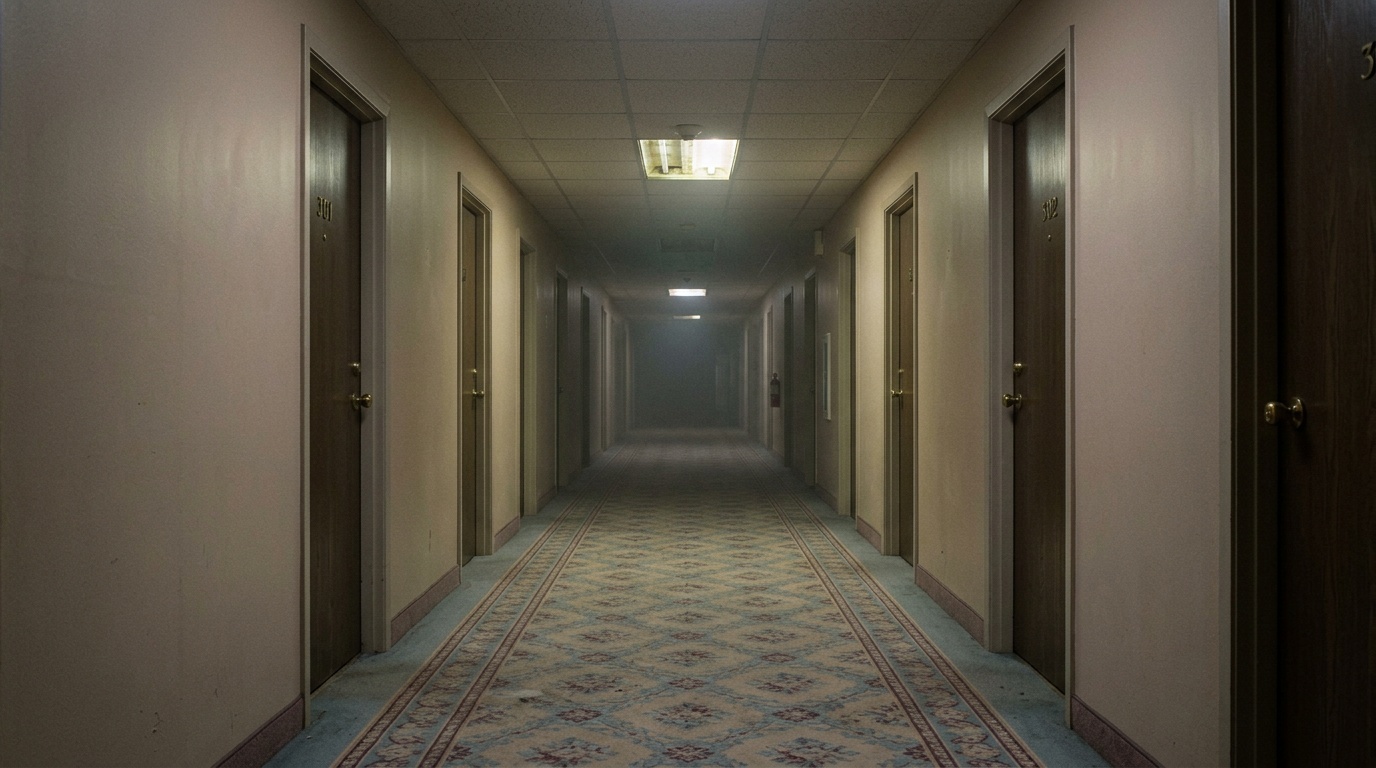
Dreamcore and liminal-space content runs on ambiguity, so the caption’s job is to deepen the unease, not explain it away. Sparse, poetic text works because it mirrors how dreamcore visuals themselves stay minimal: one surreal element, nothing over-explained.
Lines that work here: “Anemoia.” “This hallway remembers you.” “Static where the exit should be.” One or two words carry more weight than a full sentence in this niche.
- Pair minimal captions with animated text for accessibility. Motion doesn’t have to break the aesthetic if it’s slow and soft.
- Place text in negative space, never as a bottom subtitle bar. Bottom placement instantly reads as generic auto-caption, which kills the mood.
- Use soft glows, slight VHS grain, and slow fades on the text itself so it feels like part of the scene, not a layer stapled on top.
- Match font weight to the mood: thin, slightly worn fonts read as memory. Bold sans-serif reads as ad copy.
Pro Tip: If a caption could work on a normal vlog, it’s too clear for dreamcore. Cut it down until it only makes sense to someone who already feels the vibe.
An Editor’s Note on Testing What Actually Works
Test one variable at a time. Change the caption style, keep the video identical, and watch comments, saves, and watch time, not just views. Views tell you almost nothing about whether a caption pulled its weight.
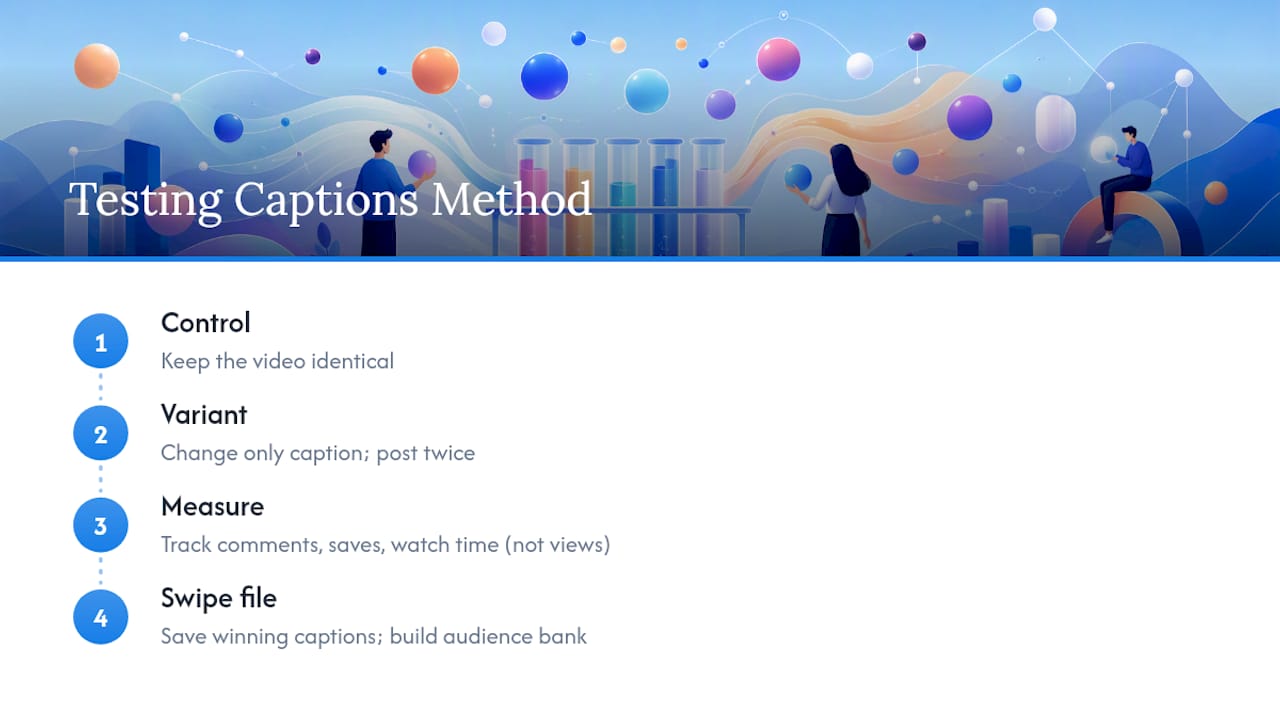
A low-effort A/B method: post the same clip twice, days apart, with two different caption approaches, or run one version with the hook in the caption and a variant with the hook only in a pinned comment. Track which drove more saves.
Keep a swipe file of every caption that outperformed your average. Six months in, that file becomes more useful than any generator, because it’s built from what your specific audience responds to.
— Jonty
Templates That Come With the Captions Already Built In
Writing a great caption still takes work, even with a swipe file and a solid hook. Liminal skips that step for a specific kind of creator: anyone leaning into dreamcore and liminal-space content who wants a finished, export-ready video without hand-timing every animated word.
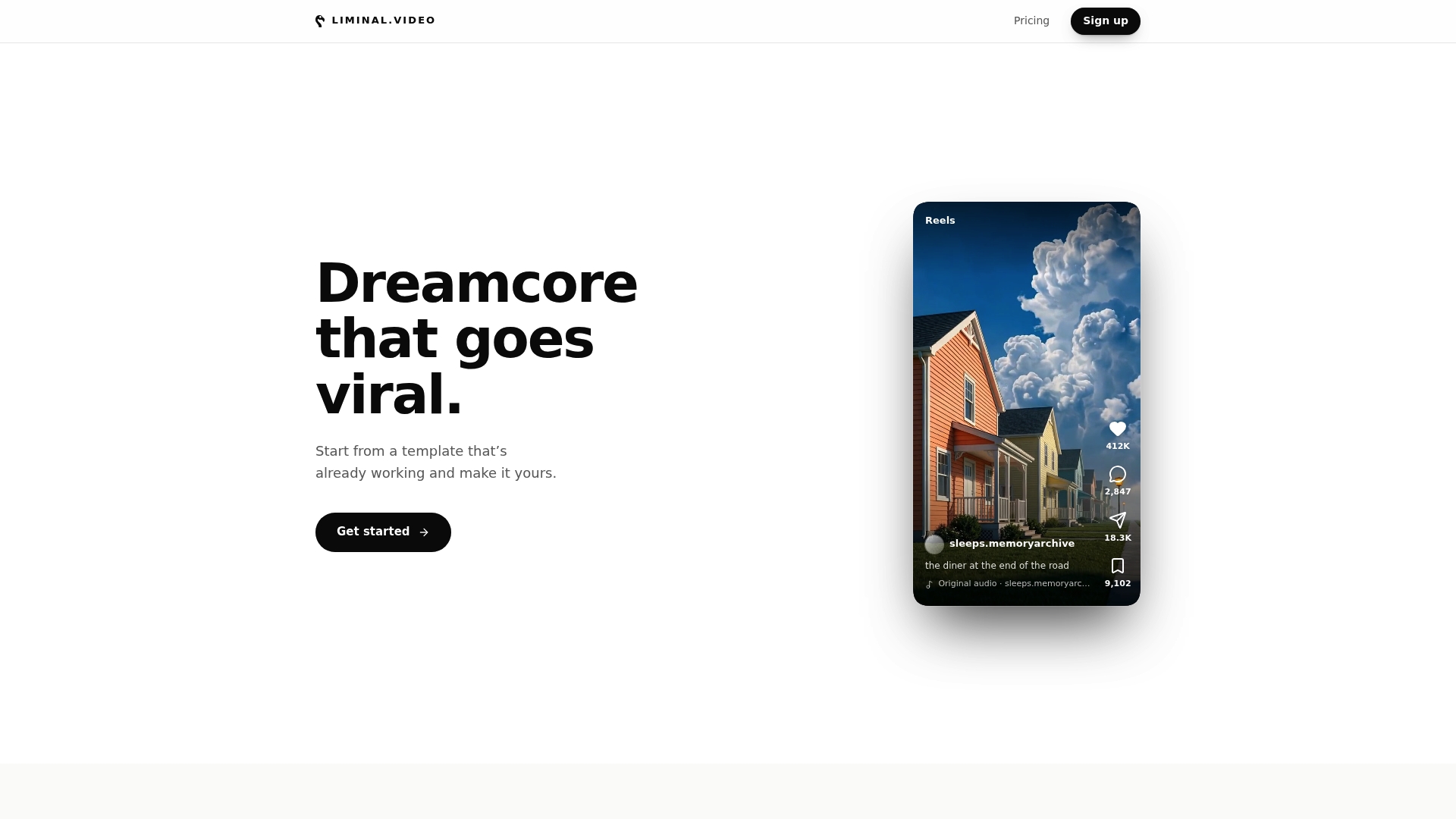
Liminal’s templates come with mood-aligned text overlays already built into the design, so the caption placement, font, and glow treatment match the aesthetic instead of fighting it. Pick a trending template, apply your own footage and style, and export straight to TikTok, Reels, or Shorts formats. No prompt writing, no guessing whether your font choice breaks the mood. If you’d rather spend your time filming than fine-tuning caption animation, start with a template and see what’s already working for other creators in the space.