Most liminal videos fail for the same reason: they are too slow, too long, and too obviously a picture that someone added a zoom to. The ones that work are shorter and stranger than people expect, and the rules behind them are boringly specific.
We read a lot of liminal reels to build this thing, frame by frame, measuring where the cuts fall. Here is what the ones that perform actually do.
A liminal video is a place, not a subject
The difference between a liminal space and an empty room is that a liminal space implies people who are not there. An airport gate at 4am. A swimming pool with the lights on and nobody in it. A corridor in a school during the summer.
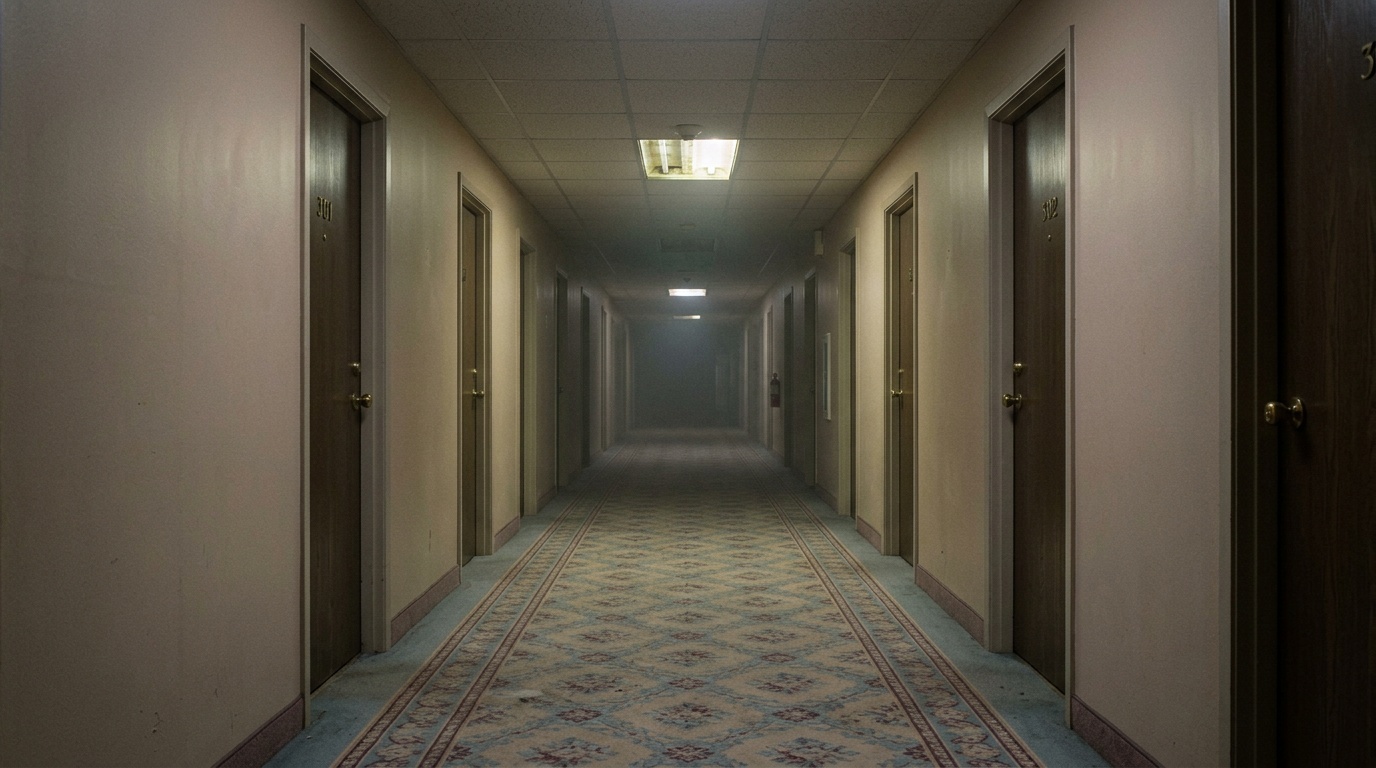
The emotion comes from absence, and absence only reads if the place is one you recognise. A generic "eerie hallway" does nothing. A hallway with the specific ugly carpet of a 1990s hotel does a lot.
This is the single most common mistake: people make something surreal instead of something familiar-but-wrong.
Cut faster than feels right
We measure the shot lengths of reels that do well in this niche. The number that surprised us: a fourteen second reel is usually four or five shots, and individual shots run as short as three tenths of a second during a fast sequence.
Our own cut detector was originally set to ignore anything under 0.6 seconds as a flash rather than a shot. It was wrong. It kept folding real shots into their neighbours and producing three-shot reels out of five-shot sources. We dropped it to 0.3s and the reads got noticeably better.
If you are making these by hand, the practical version of that rule is: whatever length you think a shot should be, halve it once and see how it feels.
Everything in frame should move slowly. Everything.
Here is the thing nobody tells you about AI-generated video: the model runs everything faster than you want, and the fix is not subtlety.
We spent a while writing motion prompts that said things like "the grass subtly ripples" and "light shifts gently across the frame." Every clip came back frozen. The words subtly, gently, slightly and softly read to a video model as an instruction to do almost nothing, so it does almost nothing, and you get a still image with a slow pan bolted on.
What works is naming a real movement and then holding it back with a pace word:
- Bad: "the grass subtly moves"
- Good: "light breeze rustles steadily through the grass, cloud shadows slide gradually down the slope, traffic drifts along the road far below"
Slow is a pace. Subtle is an absence. The first produces motion, the second produces a photograph.
And name more than one thing. A shot with one moving element looks like a still with an effect on it. Four or five, from nearest the camera to furthest, is what makes a frame feel alive.
Describe the picture, not the place
If you write a prompt that describes only what is in the scene, you get an ordinary photograph of those objects. That is almost never what a liminal reel looks like.
The missing half is what kind of image it is. Is it a flat untextured render with hard edges and no haze? Is it grainy phone video? Is everything soft, low contrast, dissolving into its own air?
We learned this the expensive way. A reel that was hazy and painterly came back from our pipeline as a sharp plastic model of itself, because the description we generated only had hard-surface words in it. Adding "everything soft and out of focus, thick haze swallowing the distance, low contrast, no hard edges anywhere" fixed it in one pass.
One warning: avoid the words "3D render", "CGI", "cinematic", "crisp" and "polished" entirely. Every one of them drags a bright, clean, studio-lit look along with it that overrides whatever mood you asked for. Describe the surface, not the software.
Vertical, and get the frame right first
1080 by 1920. Nine by sixteen. Everything else is a crop somebody else chooses for you.
Keep anything that matters inside the middle. Instagram, TikTok and YouTube all put interface over the top and bottom of the frame, and they do not agree on how much. If your subject is centred you can post the same file to all three.
We wrote up the exact numbers in the specs post, including what actually gets covered on each platform.
The sound is not yours, and that is fine
The audio on a liminal reel is doing at least half the work, and almost none of it is original. It is a track somebody found on Instagram, and the reason that is legal is that they picked it inside Instagram when they posted.
So: export your video silent, then add the audio in the app at upload. Do not bake somebody else's track into the file. Instagram's own audio library is the licence, and using it there is the only place that licence exists.
This is also why every file we produce comes out silent on purpose, with a link to the original audio page next to it.
Doing it without the four hours
All of the above is doable by hand. It takes a while. Finding a reel structure that works, matching shot lengths, writing motion for every shot, keeping the look consistent across five separate generations: that is an afternoon, and most of it is bookkeeping rather than taste.
liminal.video does the bookkeeping. You pick a template, which is a shape rather than footage: how many shots, how long each is held, where the camera moves. You pick a style, which is a handful of words like dreamcore, pink and baby blue, hazy. Every frame is then generated from nothing in that style, cut to that shape.
It takes about two minutes and comes out vertical, finished, and silent so you can add the audio when you post.
Honest limits, because they matter more than the pitch: it will not reproduce a specific real place, the model still occasionally moves faster than you asked, and a one-shot template makes a very short reel. It is good at the part that is tedious, which is most of the job.